01 / AAROH
Choose the right station first
Select among configured stations at launch; each keeps its own licensed settings and data root.

Built for broadcast groups running more than one station. Choose a station, manage its own library and schedules, or assign eligible campaigns across multiple stations from one workflow.
Choose the station at launch, then work with its own scheduling data and traffic. Multi-Station is for Music Manager and Traffic; the Player and Encoder remain station-specific applications.
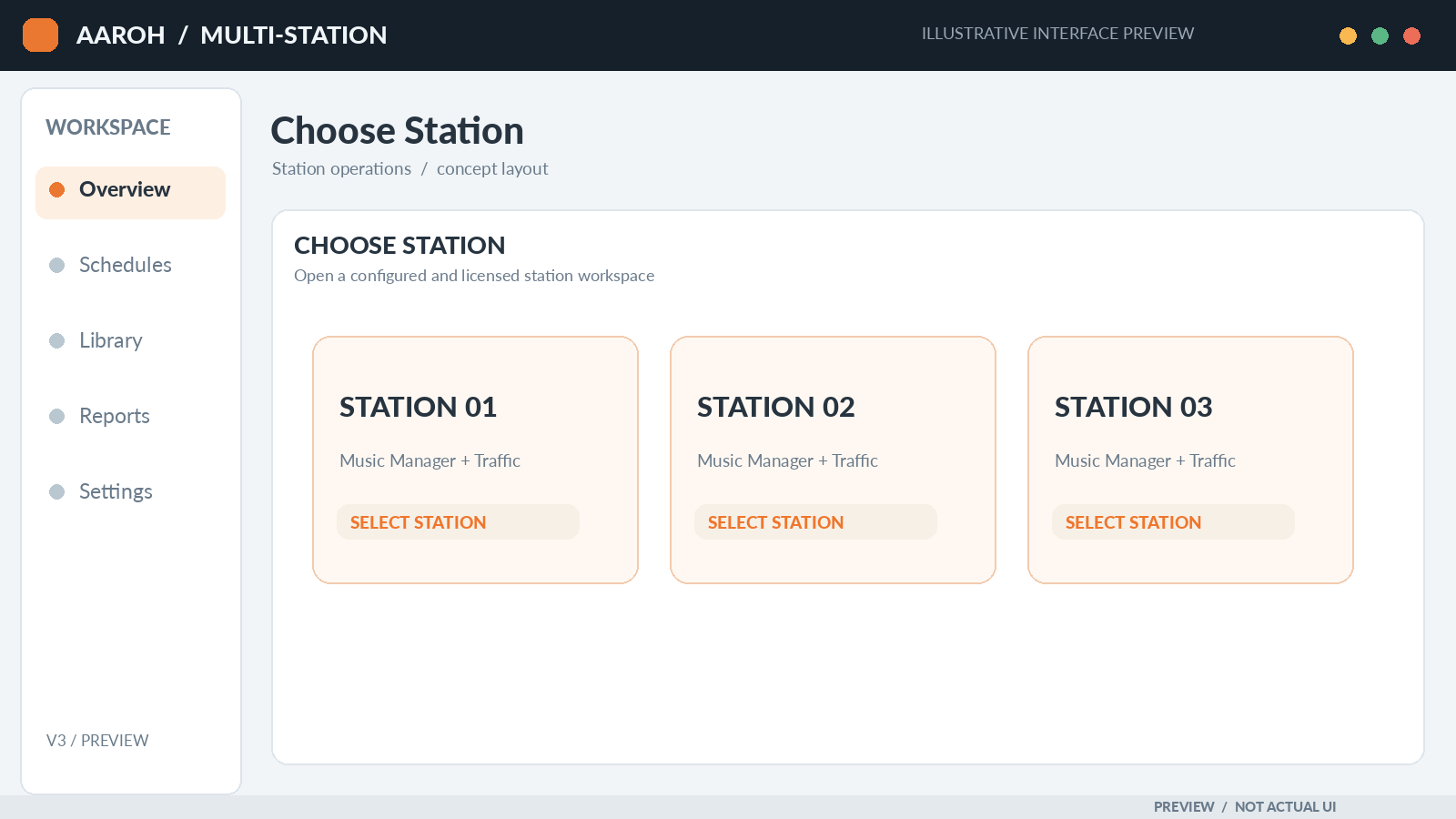
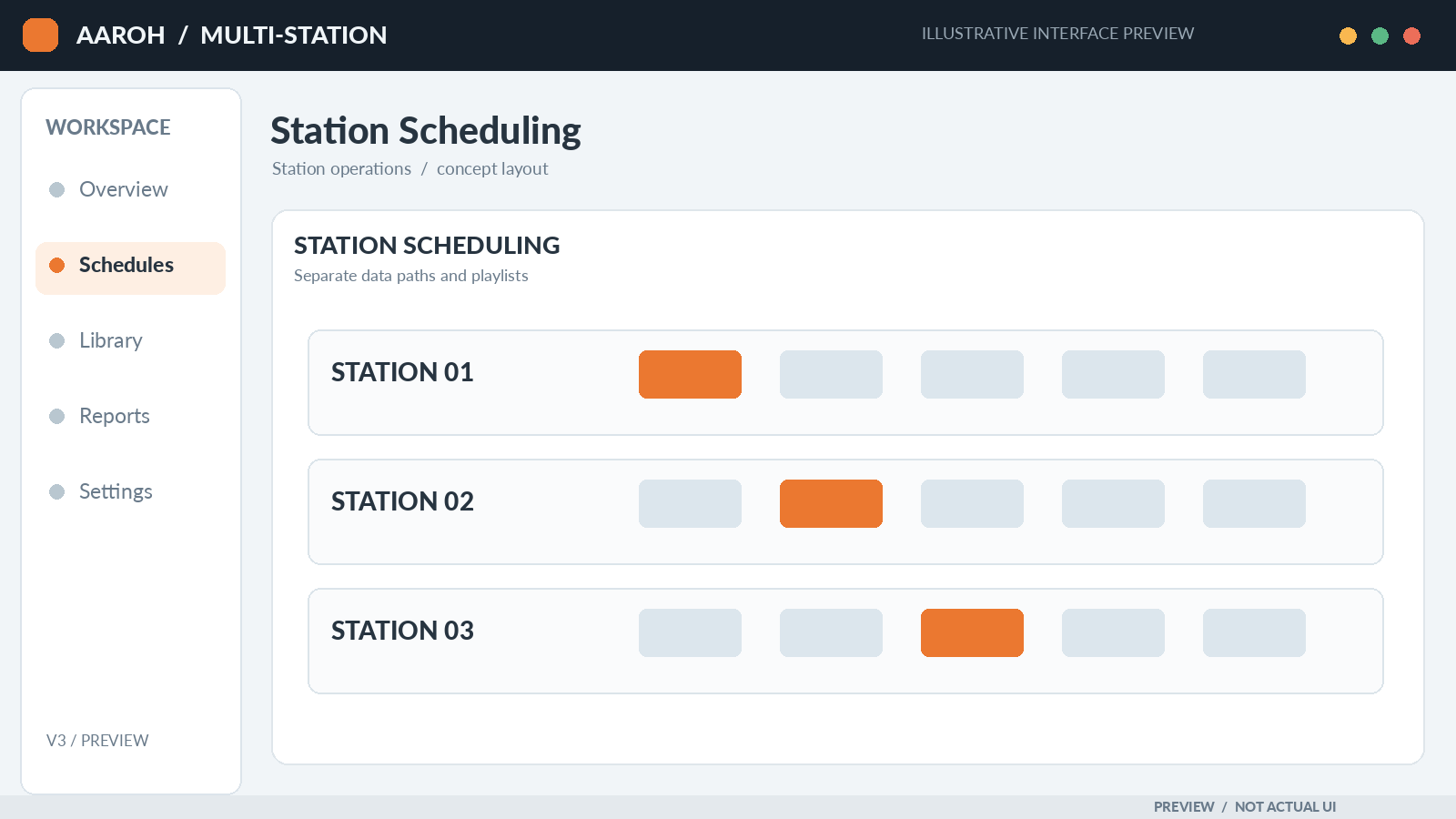
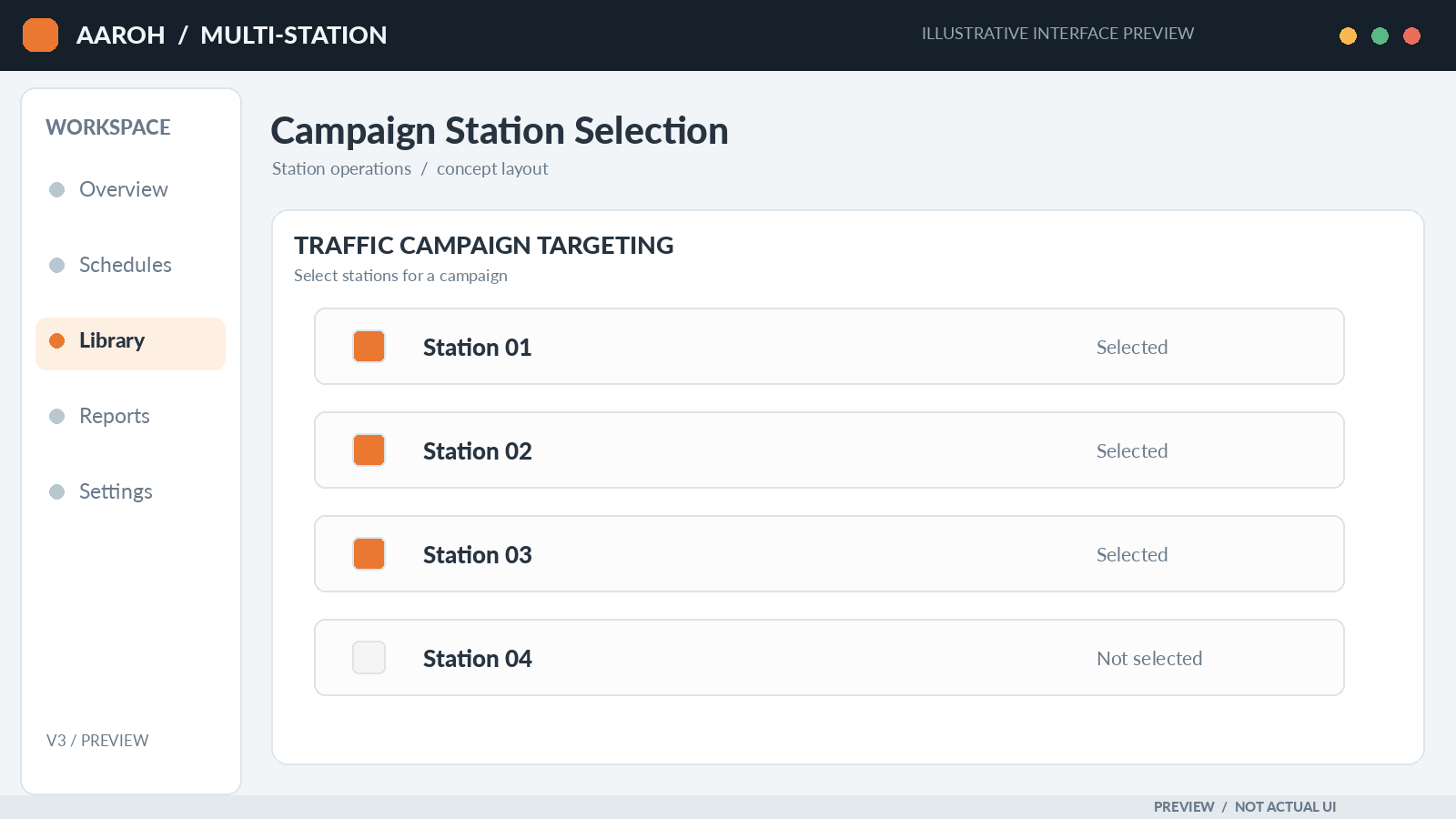
Select among configured stations at launch; each keeps its own licensed settings and data root.
Separate music scheduling data and city-specific weather settings reduce cross-station mix-ups.
Where enabled, assign a campaign to selected stations from within the Traffic workflow.
Talk to us about your number of stations, scheduling staff and traffic workflow to plan the right configuration.